Getting a rejection email from Apple after months of hard work stings, especially when the actual fix takes five minutes. If you have searched for App Store rejection reasons 2026 developers keep hitting, you are in the right place.
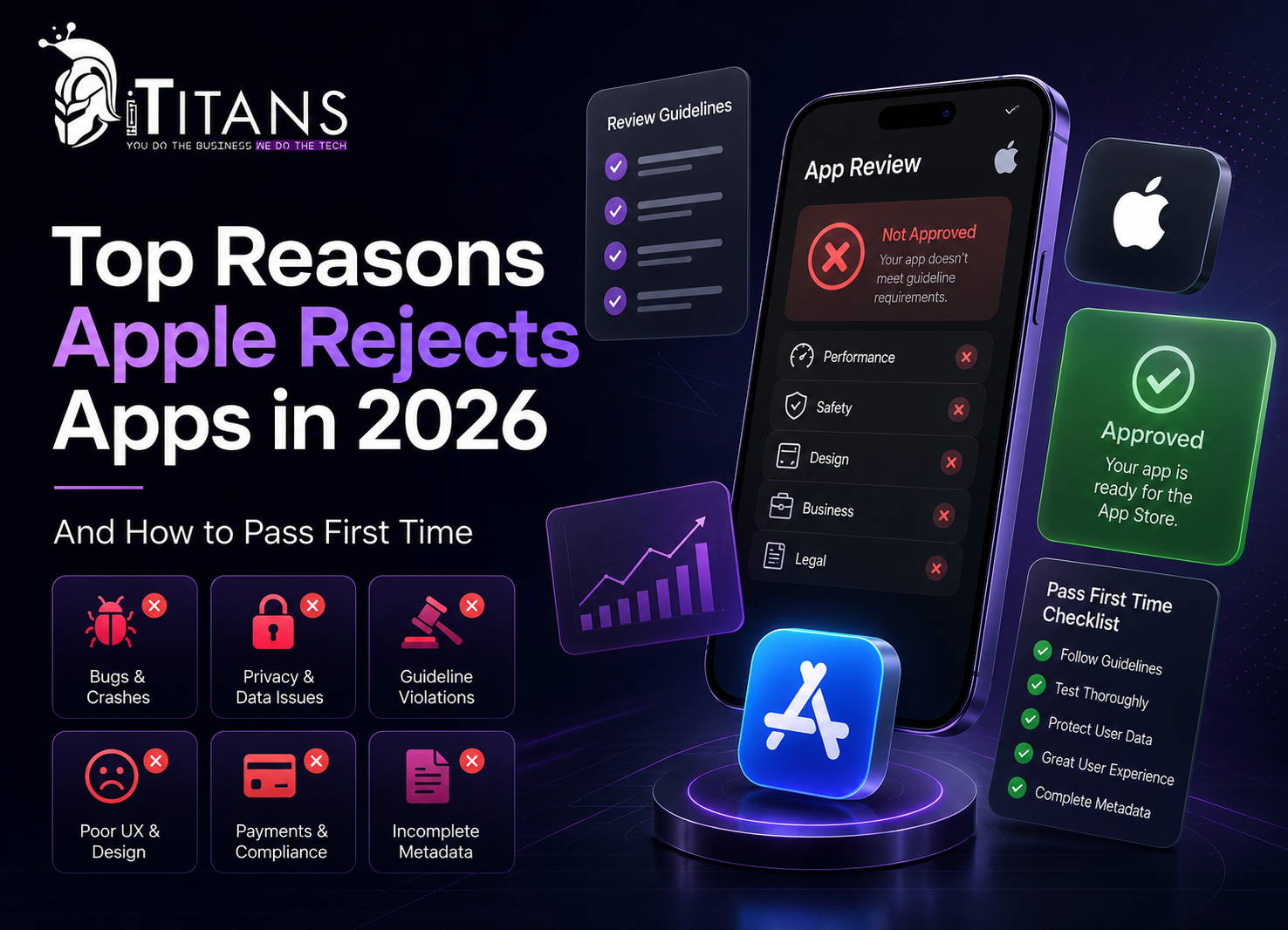
Quick answer: In 2026, Apple rejects most apps for a handful of repeat offenders. App completeness issues under Guideline 2.1, privacy and data disclosure gaps under Guideline 5.1.1, apps with too little functionality under Guideline 4.2, and broken support links under Guideline 1.5 account for the bulk of first-time rejections. Nearly all of them are fixable within a day once you know exactly what reviewers check.
In this blog, we are going to discuss every major reason apps get rejected in 2026, backs it up with current numbers, and gives you a practical checklist so your next submission gets approved the first time.
How Apple’s App Review Process Actually Works
Every app submitted to the App Store goes through Apple’s App Review team before it goes live. Reviewers check your build against five categories: Safety, Performance, Business, Design, and Legal. These are the same five pillars Apple lists in its official App Review Guidelines.
Understanding the App Store approval process before you start development saves weeks of rework later. Apple states that, on average, 90 percent of submissions are reviewed in less than 24 hours. In practice, review times shift depending on submission volume, and apps aimed at kids, financial apps, and apps with user-generated content usually take longer to clear.
What’s New in App Store Review for 2026
A few real changes landed this year, and they explain why some apps that would have passed in 2024 now bounce back.
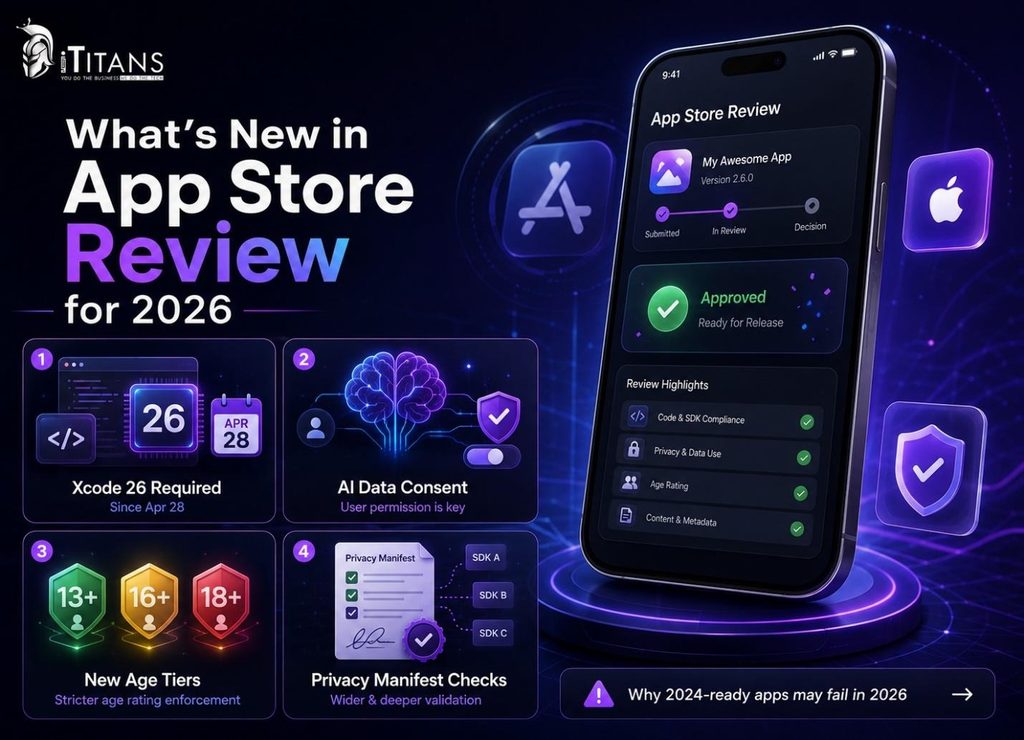
- Xcode 26 mandate: since April 28, 2026, every iOS and iPadOS submission must be built with the iOS 26 SDK using Xcode 26 or later. Older builds get blocked automatically.
- AI disclosure and consent: apps that send personal data to a third-party AI provider now need an explicit consent step before that data leaves the device.
- Stricter age ratings: Apple expanded its age-rating tiers to 13+, 16+, and 18+, with tighter enforcement around apps that host user-generated content.
- Wider privacy manifest checks: more third-party SDKs, including common analytics and ad frameworks, now require a valid privacy manifest and signature before your app can pass automated screening.
None of these changes are about creativity or design taste. They are compliance requirements, which means they are entirely within your control before you submit.
App Store Rejection Statistics You Should Know in 2026
Numbers help you see where the real risk sits. Here is what recent data shows about App Store rejections in 2026.
| Metric | 2026 Figure |
|---|---|
| App submissions reviewed by Apple | About 7.77 million |
| Submissions rejected for quality, safety, or design issues | Nearly 25% (about 1.93 million apps) |
| First-time submissions rejected across all reasons | Roughly 40% to 60% |
| Rejections tied to Guideline 2.1 (completeness and metadata) | About 34% of rejected apps |
| Rejections tied to Guideline 5.1.1 (privacy and data) | About 21% of rejected apps |
| Submissions Apple reviews within 24 hours (Apple’s stated average) | 90% |
These numbers tell a consistent story. Most rejections are not about creativity or code quality. They are about compliance details: a missing privacy label, a placeholder screenshot, a support link that returns an error. Fix the paperwork and testing gaps, and your odds of passing App Store review the first time go up fast.
The share of rejections tied to privacy (Guideline 5.1.1) has grown compared to prior years, while classic completeness issues under Guideline 2.1 have stayed roughly flat. That shift matches what Apple has been building toward since it introduced App Privacy labels and SDK signatures: less tolerance for undisclosed data collection, even when the rest of the app works perfectly.
Figures compiled from Apple’s official guidelines and 2026 industry analysis by Adalo, OpenSpace Services, and RentAMac.
Top App Store Rejection Reasons 2026 (And the Guideline Behind Each)
This list covers the iOS app rejection reasons that show up most often in 2026 App Review data, in roughly the order Apple’s own categories tend to trigger them.
1. App Completeness and Bugs (Guideline 2.1)
This remains the single biggest reason apps bounce back. Guideline 2.1 covers crashes, broken links, blank screens, and placeholder content like “Lorem Ipsum” text or “coming soon” labels left in the build.
- Test on a real device, not only a simulator
- Remove every placeholder image, text block, and dummy feature
- Fill out a working demo account with real sample data, not an empty state
Apple’s reviewers spend limited time per app. If a feature does not work the moment they tap it, or a demo account loads to a blank screen, that alone triggers a rejection under this guideline.
2. Privacy Policy and Data Collection Gaps (Guideline 5.1.1)
Guideline 5.1.1 rejections happen when your App Privacy label in App Store Connect does not match what the app actually collects, or when the privacy policy link is broken, outdated, or missing.
Common triggers include a privacy label that says “no data collected” while an analytics SDK tracks users, a privacy policy URL that returns an error, and no clear consent step before sharing data with a third-party AI provider.
Since late 2025, Apple has required explicit user permission before personal data goes to a third-party AI service. If your app calls an LLM or image model, build a visible consent step before you submit.
3. Apps With Minimal Functionality (Guideline 4.2)
Apple calls this “Minimum Functionality,” and it targets apps that offer little more than a website wrapped in a native shell, or apps that duplicate an existing app with only cosmetic changes.
To pass this check, add native features that use real device capabilities such as the camera, push notifications, or offline mode. Avoid submitting a webview-only app with no meaningful native layer, and make sure your app clearly differs from existing apps already in your category.
4. Inaccurate Metadata, Screenshots, and Descriptions (Guideline 2.3)
Your App Store listing has to match your actual app. Reviewers reject apps when screenshots show features missing from the build, when the description promises functionality that has not shipped, or when pricing in App Store Connect does not match the in-app price.
Double check every screenshot against the current build right before you submit, and keep your “What’s New” text specific to what actually changed in that version.
5. Broken Support URL or Missing Contact Info (Guideline 1.5)
This sounds minor, and a lot of teams treat it that way, which is exactly why it remains one of the most common App Store rejection reasons in 2026. A dead support link, a support page requiring login, or a contact form that fails to send are all enough to trigger a rejection.
Test your support URL in a private browser window right before you submit. It needs to load for someone who has never used your app before.
6. Bypassing In-App Purchase for Digital Goods (Guideline 3.1.1)
If your app sells digital content, subscriptions, or unlocks, Apple requires you to use its In-App Purchase system. Linking out to an external payment page for digital goods, or mentioning cheaper pricing outside the app, violates Guideline 3.1.1.
Physical goods, services consumed outside the app, and person-to-person payments are generally exempt. When in doubt, check whether the goods are consumed inside or outside the app.
7. Missing In-App Account Deletion (Guideline 5.1.1(v))
Required since mid-2022 and still catching teams in 2026. If users can create an account in your app, they must be able to delete it from inside the app, not just by emailing support, as spelled out in Guideline 5.1.1(v). The option needs to be easy to find, and deletion has to remove the account and its personal data, not simply deactivate it.
8. Third-Party SDK Privacy Manifest Issues
This one frustrates developers because it is often not their own code causing the problem. Apple now requires privacy manifests and signatures for many third-party SDKs. If an ad network, analytics tool, or crash reporter inside your app tracks users without the right disclosure, your submission gets flagged, even if you never touched that code.
Audit every SDK in your app before each submission and update to the latest privacy-manifest-compliant version.
9. Age Rating and Unmoderated User-Generated Content (Guideline 1.2.1)
Apple tightened age-rating enforcement in 2026, adding stricter 13+, 16+, and 18+ tiers. If your app includes user-generated content, chat, or community features and lacks a moderation layer, expect a rejection and possibly a removal after launch.
Add reporting tools, blocking, and a content moderation process before you submit, not after a user complaint forces the issue.
10. Building With an Outdated Xcode or SDK Version
Since April 28, 2026, Apple requires every iOS and iPadOS submission to be built with the iOS 26 SDK using Xcode 26 or later. Builds compiled with older toolchains get rejected automatically before a human reviewer ever sees them. If your team has not upgraded its build pipeline, this is a purely technical rejection that has nothing to do with your app’s actual quality.
| Rejection Reason | Guideline | Typical Fix Time |
|---|---|---|
| App completeness and bugs | 2.1 | Hours to 1 day |
| Privacy policy and data disclosure | 5.1.1 | Hours to 1 day |
| Minimum functionality | 4.2 | Several days, may need new features |
| Inaccurate metadata | 2.3 | Under 1 hour |
| Broken support URL | 1.5 | Under 1 hour |
| In-App Purchase bypass | 3.1.1 | 1 to 2 days |
| Missing account deletion | 5.1.1(v) | 1 to 3 days |
| SDK privacy manifest gaps | Varies | Hours to 1 day |
| Age rating and UGC moderation | 1.2.1 | Several days |
| Outdated Xcode or SDK | Technical | Hours, rebuild and resubmit |
How to Avoid App Rejection: A Pre-Submission Checklist to Pass App Store Review First Time
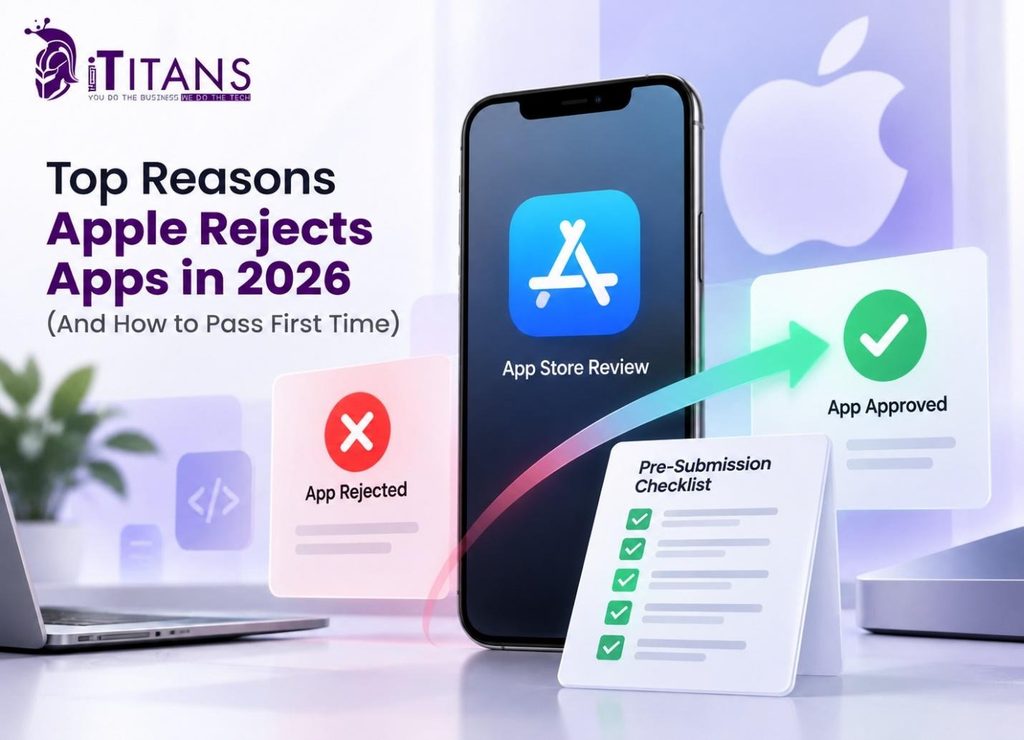
This checklist covers what it actually takes to pass App Store review first time, based on the reasons above.
- Test the full user flow on a physical device running the current iOS version
- Provide a demo account pre-loaded with sample data, not an empty account
- Match every screenshot and app preview video to the current build
- Confirm your privacy policy URL and support URL both load in a private browser window
- Cross-check your App Privacy label against every SDK actually running in the app
- Add an in-app account deletion option if your app supports account creation
- Route all digital goods and subscriptions through In-App Purchase
- Build with the current Xcode and SDK version before every submission
- Add moderation tools if your app includes user-generated content or chat
- Write specific App Review notes that explain anything unusual, such as subscriptions, special hardware, or login steps
One detail saves real time and rarely gets mentioned. When Apple flags only your listing (screenshots, description, or pricing) rather than the binary itself, your app status shows “Metadata Rejected” instead of “Rejected.” You can fix metadata rejections directly in Resolution Center without uploading a new build, which skips a full review cycle. Knowing the difference between these two statuses regularly saves teams two to three days.
What to Do If Apple Rejects Your App
A rejection is not a verdict on your app. Most rejected apps get approved once the flagged issue is fixed.
- Read the specific guideline cited in the rejection message, not just the summary line
- Reply in Resolution Center if you believe the reviewer misunderstood a feature, and include a screen recording or clear reviewer notes
- Fix only what was flagged. Unrelated changes to the binary can trigger a fresh, longer review
- Use the formal appeal process through the App Review Board if you genuinely disagree with the decision, but save it for real disputes, not first-round pushback
Most fixes get reviewed faster on the second pass, since your app is already familiar to Apple’s system.
One habit worth building into your team’s process: log every rejection reason and fix in a shared document. Over a few release cycles, that log becomes a private checklist tailored to your app, and it usually catches the same two or three issues before they ever reach Apple’s reviewers again.
How iTitans Helps You Pass App Store Review the First Time
Building an app that survives Apple’s review process takes more than good code. It takes a team that treats Apple’s guidelines as part of the build, not an afterthought bolted on before launch. This is where iTitans comes in.
iOS App Development Built Around Apple’s Guidelines
iTitans’ iOS app development team builds every project against the current App Store Review Guidelines from day one, not just before submission. That includes native Swift development, App Store deployment support, and backend integrations that meet Apple’s privacy and security requirements from the start.
Design That Matches Apple’s Human Interface Guidelines
A large share of App Store rejection reasons in 2026 trace back to design choices that ignore Apple’s own interface standards. iTitans’ app design team builds interfaces around Apple’s native UI patterns, which lowers the risk of a design-related rejection before you ever submit.
Pre-Submission Testing and Quality Assurance
Through its SQA practice, iTitans runs apps through device testing, crash and performance checks, and a pre-submission review against the current guidelines, catching completeness and stability issues before Apple’s reviewers do.
Maintenance, Updates, and Resubmission Support
App Store requirements change throughout the year, from SDK deadlines to privacy manifest rules. iTitans’ mobile app maintenance and support team keeps existing apps compliant with new requirements and handles resubmissions when a guideline update affects a live app.
If you are earlier in the process, the MVP Machine team can help validate an idea and get a compliant first version in front of Apple’s reviewers faster.
Apple App Rejection and Overcome Process
Most App Store rejection reasons 2026 has thrown at developers come down to a short list: incomplete builds, mismatched privacy labels, thin functionality, broken support links, missing account deletion, and outdated build tools. None of these need a genius fix. They need a checklist, a real device test, and a team that reads Apple’s guidelines before writing the first line of code.
If you want your next submission to clear App Review on the first try, build that discipline in from the start rather than patching it in after a rejection email. Whether you need a new iOS app built right the first time, a design refresh that matches Apple’s Human Interface Guidelines, or a QA pass before your next submission, iTitans works alongside your team to get it done. Get in touch with iTitans today and submit your next app with confidence.
Frequently Asked Questions
What are the App Store rejection reasons 2026 developers hit most?
App completeness issues under Guideline 2.1, like crashes and placeholder content, remain the top cause, closely followed by privacy and data disclosure gaps under Guideline 5.1.1.
How long does Apple take to review an app?
Apple states that, on average, 90 percent of submissions are reviewed within 24 hours, though complex apps, financial apps, and apps for kids often take longer to clear.
Why did Apple reject my app for privacy reasons?
Usually because your App Privacy label does not match what your SDKs actually collect, or because your privacy policy link is broken, outdated, or missing entirely.
Can I resubmit my app after a rejection?
Yes. Fix only the flagged issue, reply in Resolution Center if needed, and resubmit. Most rejected apps get approved once the specific problem is corrected.
Does Apple require account deletion inside the app?
Yes. Since 2022, Guideline 5.1.1(v) requires apps that allow account creation to also offer in-app account deletion, not only an email request to support.
What happens if my app uses an old Xcode version?
Since April 28, 2026, Apple rejects submissions built with Xcode older than version 26 or without the matching iOS 26 SDK, regardless of app quality.